 Invoicer, a product of GK Tools
Meet every professional invoice requirement
Professional invoices that tick every box for trade endorsement schemes and professional bodies.
Try 3 Months FreeWhen applying to professional trade schemes, your quotes and invoices need all the right details. Invoicer creates compliant documents automatically.
What professional bodies typically require
When you apply to professional trade endorsement schemes, they often ask for example quotes and invoices. Your documents typically need to include all of these, and Invoicer puts every one on automatically, with no missing fields.
- A clear title. “Invoice” or “Quote”
- Your business details. Full name or company name, address, and registration number if you are a limited company
- Client details. Name and address
- A unique invoice number. Every invoice distinct and traceable
- Dates. The invoice date and the payment due date
- Detailed descriptions of work. Matching any quote provided
- VAT. A VAT breakdown and your VAT number, if you are VAT registered
- The total amount due. Inclusive of VAT
- Payment terms. Typically 30 days from invoice date, and you can change them
- Payment methods. Bank transfer details and the payment types you accept
- A feedback and complaints route. How clients raise a concern and who to contact
How it works
Set up once
Add your business details and bank information. Takes 5 minutes.
Add clients
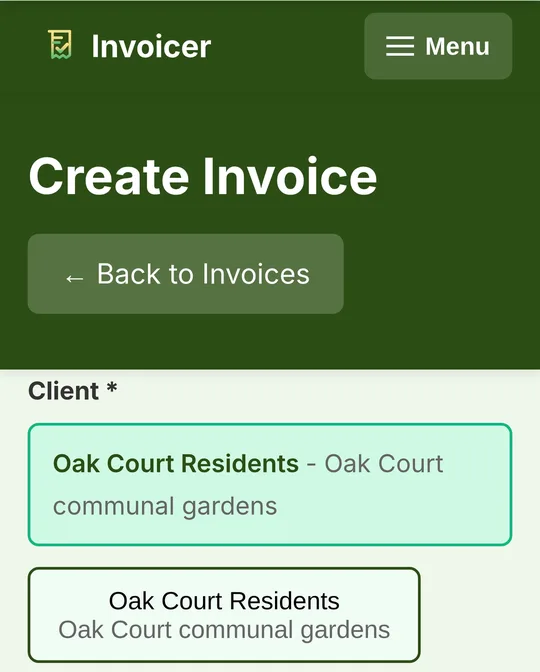
Enter your clients once. Their details appear on every invoice automatically.
Create and send
Make an invoice, preview it, send it. Everything is professional and compliant without you thinking about it.
Built-in professional features
Feedback and complaints section
Professional schemes typically want it clear on the paperwork how a client raises a concern. Every invoice PDF carries a Feedback & Complaints section with your business email and phone number, and a commitment that complaints are acknowledged and resolved promptly and fairly. Nothing to set up: it uses the contact details already on your profile.
Unique invoice numbers
Professional numbering happens automatically. Your custom prefix (like “DN” for Dead Nettle) plus a unique number. Every invoice is distinct and traceable.
VAT handling
If you are VAT registered, Invoicer calculates VAT automatically and includes your VAT number on every invoice. If you are not VAT registered, it just works simply.
Payment terms
Defaults to “30 days from invoice date” (the standard for most professional schemes), or change it to suit you. Payment methods and bank details appear clearly on every invoice.
Professional emails
Your invoices are sent as professional PDF attachments with clear email messages. Looks credible and trustworthy.
Works on your phone
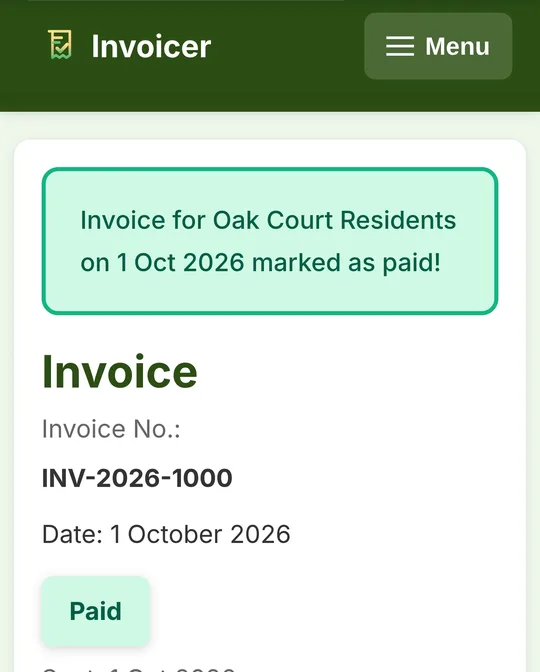
Create and send professional invoices from your mobile. No laptop needed. Made for tradespeople on the go.
For tradespeople who need professional invoices without complicated software
- Applying to a schemeYou are applying to professional trade endorsement schemes
- Already a memberYou belong to professional bodies and need compliant documents
- Wanting to look credibleYou just want professional documents that look credible
- No accountant neededYou want invoicing you can set up yourself, without an accountant
- Working from your phoneYou need something simple that works on your phone
Simple, honest pricing
No hidden fees.
Unlimited customers and invoices on both. Cancel any time from your account.
Pay as you go. Stop whenever you like.
Works out at £8.33 a month, £20 less than paying monthly.
The first 3 months are free, and no card is needed to start.
Start your free trialFrequently asked questions
- Do I need this if I'm not in a trade endorsement scheme?
- These requirements are just good practice for any tradesperson. Professional invoices help you get paid faster and look more credible to all your clients.
- What if I'm not VAT registered?
- That's fine. Invoicer works perfectly for non-VAT registered businesses. The VAT features are optional.
- Can I see an example invoice?
- Yes. Sign up free and create a test invoice to see exactly what it looks like. No credit card needed for the free trial.
- What's in the Feedback & Complaints section?
- A short standard block at the foot of every invoice PDF: your business email and phone number as the route for raising a concern, and a statement that all feedback and complaints will be acknowledged and resolved promptly and fairly. The wording is fixed and the contact details come from your business profile. If your scheme requires specific acknowledgment or resolution timeframes in writing, supply those separately.
- Does this replace my accountant?
- No. Invoicer helps you create professional invoices. You'll still need an accountant for tax returns and year-end accounts.
- Do my quotes and invoices need to match?
- Yes. Most professional schemes require that your invoice descriptions match your original quote. Invoicer makes this easy by keeping all your client and job details consistent. If you add extra work, you can document the additional costs separately.
- Will this work with my trade endorsement scheme application?
- Invoicer includes the common requirements that most professional schemes expect. However, always check the specific requirements of the scheme you're applying to, as each may have slightly different needs.
Not your trade?
Invoicer is set up just as well for gardeners and landscapers, electricians, plumbers and heating engineers, builders, sole traders, older tradespeople who want big, clear screens and anyone invoicing from a phone.
Get your sample invoices ready for your scheme application
Create professional, compliant invoices without complicated software, free for the first 3 months.
Try 3 Months FreeNo card needed. Works on any phone, tablet or computer.